
Collect Website Feedback, Bug Reports and Fix Requests.
In Context, In One Place, for Just $5/mo.
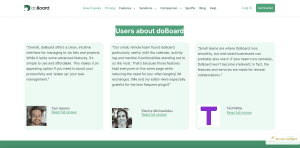
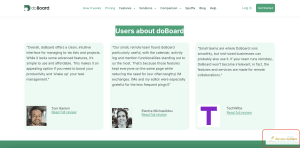
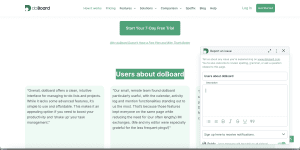
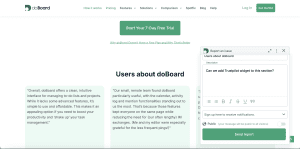
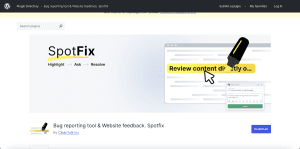
Spotfix is a lightweight on-page website feedback and annotation tool that lets highlight any text or element on your site and submit a Spot (a bug report, fix request, or comment) tied to its location, with optional attached files. Screenshot support is coming soon.
Open to all visitors or private for your team and clients.
All Spots land in one place, ready to review, assign, and resolve.
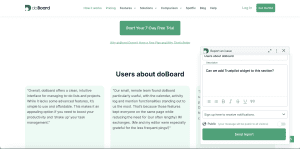
No credit card required. Setup in 2 minutes.
How It Works
In short, the workflow is “Highlight → Submit → Resolve.”
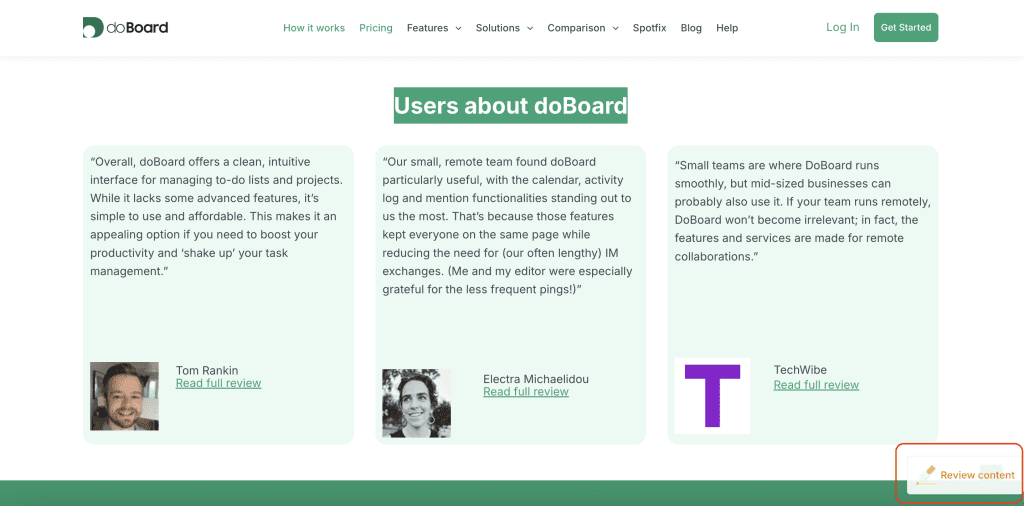
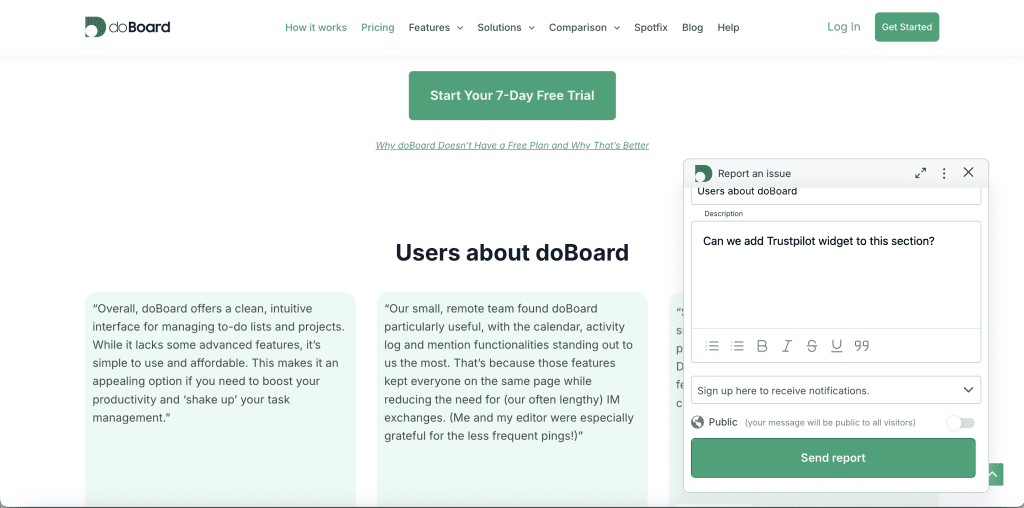
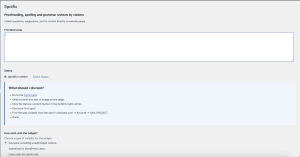
A visitor highlights any text or element on your page. A compact widget appears, and they submit a Spot in seconds — a comment, change request, or bug report tied to that exact element, with full context included. It shows up in the widget on your site and lands in your dedicated workspace, ready to review, assign, and resolve.
No back-and-forth emails. No fragmented threads. No confusion about where the problem is or what needs to happen next.
What Makes Spotfix the Right Website Feedback Tool
Everything you need to collect, organize, and act on feedback, without the usual chaos of emails, screenshots, and lost context.
In-context feedback, always
Every Spot is anchored to the exact text or element it refers to. No more “on the third page, somewhere near the top.” The location is always clear.
Open to all or private. Your choice.
Make the widget available to every visitor on your site, or lock it down to invited team members, clients, or beta users only. Switch at any time.
File attachments included
Users can attach files directly to a Spot. The ability to take a screenshot directly from the widget is coming soon. Context is complete before you even open the task.
Bug reports, fix requests, annotations. All in one.
Whether it’s a broken element, a typo, an outdated price, or a UX suggestion, Spotfix handles it all through one consistent flow.
All feedback in one managed workspace
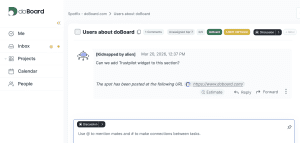
Every Spot lands in your doBoard workspace with labels, assignees, due dates, and discussion. No scattered inboxes, no lost threads.
Unlimited users and projects. Flat price.
No per-seat fees. No per-project limits. Price starts at $5/month and only grows if you need more storage. Most comparable tools cost 5 to 10 times more.
Works on any website, including WordPress
One JS snippet, any site. WordPress users can install the dedicated plugin.
Lightweight and fast. Zero impact on your site.
Spotfix loads asynchronously and does not block page rendering or affect your SEO. Visitors won’t notice it’s there until they need it.
Use Cases
Mode 1: Private
Gather structured feedback from the people you invite: your team, clients, or beta users.
In “doBoard only” mode all Spots are completely hidden from general visitors.
Every submitted Spot automatically appears as a task in your dedicated workspace.
No copy-paste, no manual sorting. Everyone sees the same list, can discuss in context, update statuses, and track what has been resolved.
Web Development and Maintenance
Clients and team members review any page, highlight what needs changing, and every fix is tracked in one place.
Marketing and Campaign Reviews
Collect feedback on landing pages or any online materials from everyone involved in one place, track every requested change, and launch with confidence.
SaaS Products and Documentation
Beta users and team flag confusing copy, outdated examples, or UX issues directly in context
Mode 2: Open to All Visitors
Let your users report issues directly on your pages.
Open Spotfix to everyone and turn every page view into a chance to catch what you missed.
Every Spot is captured in context, lands in one dedicated workspace, and is ready to discuss, assign, and resolve.
Visitors can see the open Spots directly in the widget on your site and follow the progress, so they know their feedback was heard and acted on.
Content, Media and Documentation
Readers catch typos and factual errors right where they appear
Crowdsourced Bug Reporting
Visitors flag bugs, broken links, and outdated content instantly
Continuous Website Improvement
Your community surfaces issues and improvement ideas as they browse
Spotfix is One Feature.
doBoard is the Full Picture.
When a Spot is submitted, it appears in the widget on your page, and goes straight into doBoard, a lightweight project workspace built around the same account.
You can label and organize feedback your way, assign items to team members, set priorities and due dates, discuss in context, and mark things done. You don’t need to adopt a new workflow.
Use doBoard only for Spotfix feedback, or expand it into a full project tracker for broader work.
Same account, same flat pricing from $5.
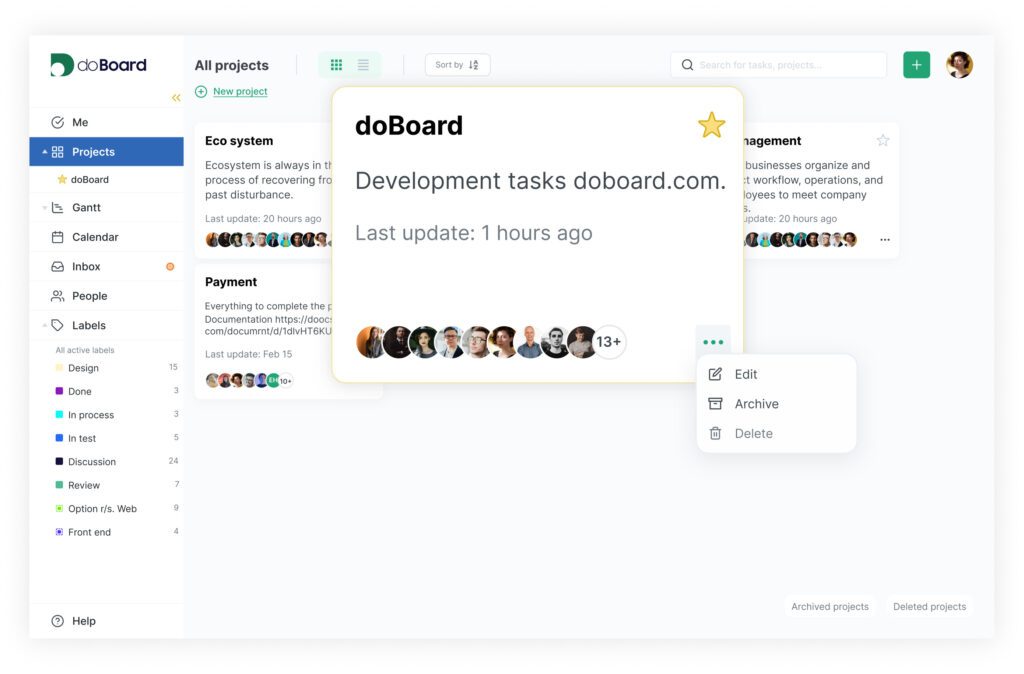
No per-seat fees. No feature paywalls. The whole team for $5/month.
How To Add To Your Website in 2 Minutes
For any website
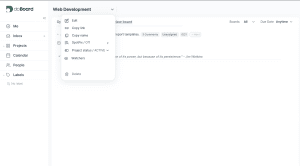
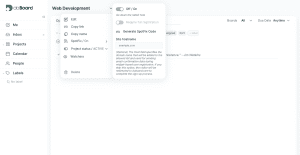
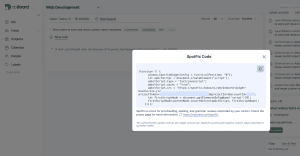
For WordPress
No credit card required. Setup in 2 minutes.
FAQ
Spotfix is a website feedback widget that lets users highlight any element on a live page and submit a comment, bug report, or fix request tied to that exact location — with a screenshot and file attachment. Unlike most feedback tools, it supports both public and private modes, works on any site with one snippet, and starts at $5/month with no per-user or per-project limits.
It’s one of the most practical, because feedback is always in context, not detached from the page. Users don’t need to describe where the problem is. And since price starts at $5/mo with unlimited users, it’s accessible for small teams and agencies alike.
Yes — Spotfix has a dedicated WordPress plugin available in the official directory. Install it like any other plugin and connect it to your doBoard account.
Bug reports, typo corrections, content fix requests, UX suggestions, questions, and general comments — anything a user can attach to a specific element on your page. Each Spot can include a description and attached file. Screenshot support is coming soon.
All Spots land in doBoard, your built-in workspace. You can label, assign, prioritize, discuss, and resolve each item there. You can use doBoard exclusively for Spotfix, or expand it into a broader project tracker, same account, no extra cost. Spots are also visible directly in the widget on your site, so visitors or selected users can see open issues and follow their progress in real time.
Yes — this is one of the most common use cases. Invite your client by email, restrict visibility to invited users only, and share the staging link. They highlight what needs changing, you get a structured task list. No revision calls needed.
Yes. In «doBoard only» mode, the widget and all Spots are invisible to general visitors. Only invited users can see and submit feedback.
No. The widget loads asynchronously and does not block page rendering or affect Googlebot crawling.
Name and email are optional — visitors can submit feedback anonymously. Anonymous sessions are stored locally in the browser for up to one year. No personal data is required to use the widget.
Starting at $5/month. No per-seat fees, no per-project limits. The price only increases if you need additional storage. Most comparable website annotation and feedback tools cost significantly more for the same core functionality.